

Fashion Studio
Take your idea from sketch to finished campaign, all in one place.
Built for design teams across
Fashion Studio brings every step in one visual workflow. Jump in and use over 10 different purpose-built tools right away.
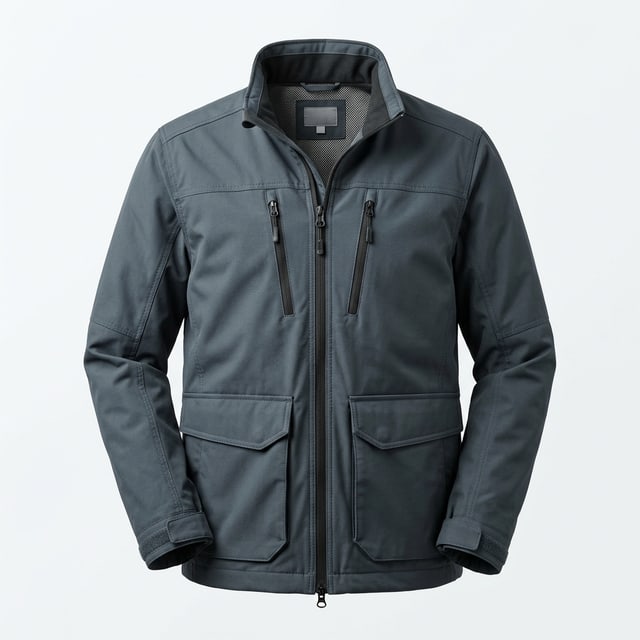
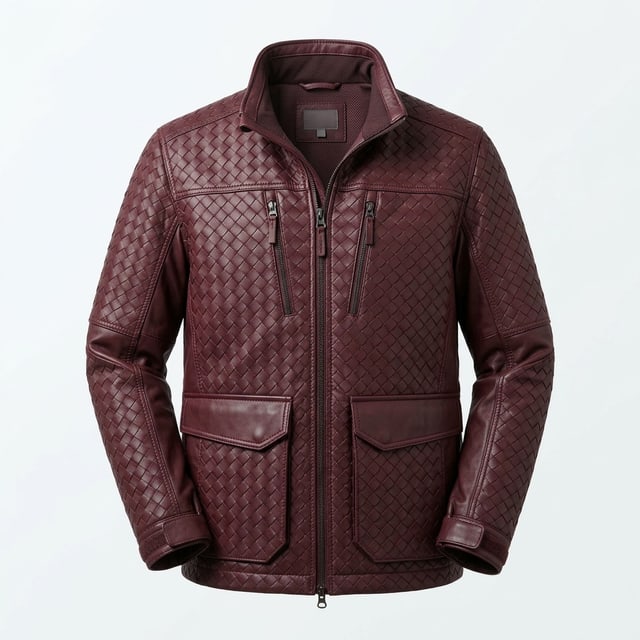
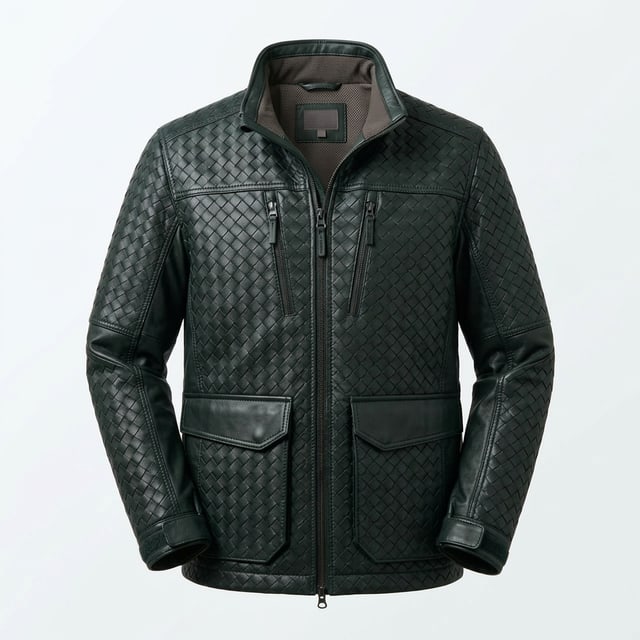
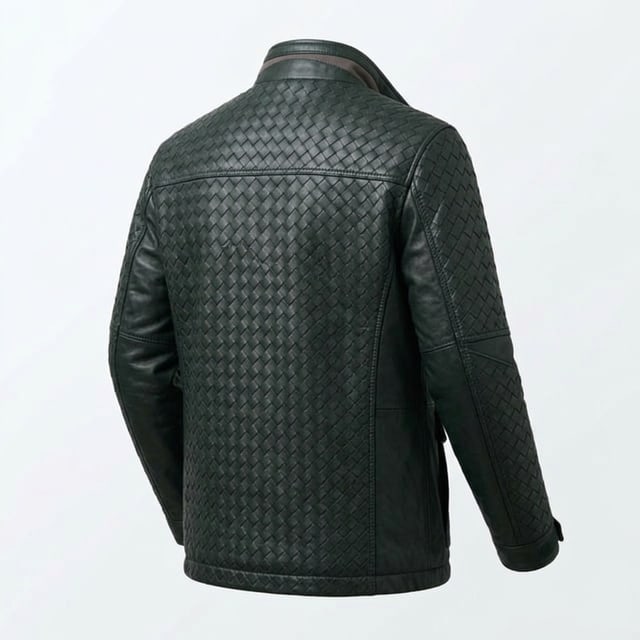
Faster from first sketch
Sketch, render, recolor, and shoot without leaving the Studio. Each tool is connected, so nothing gets exported, re-uploaded, or lost between steps.
Get it right before it's real
Set the color, the fabric, and the cut exactly, before anything becomes a sample. The full Canopy canvas is one click away when a piece needs more.
Every SKU gets its shot
Built for real fashion work, so a seam stays where you put it and a region edit only touches what you select. Shoot an entire drop without the week-long shoot.
Start with just a sketch
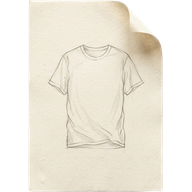
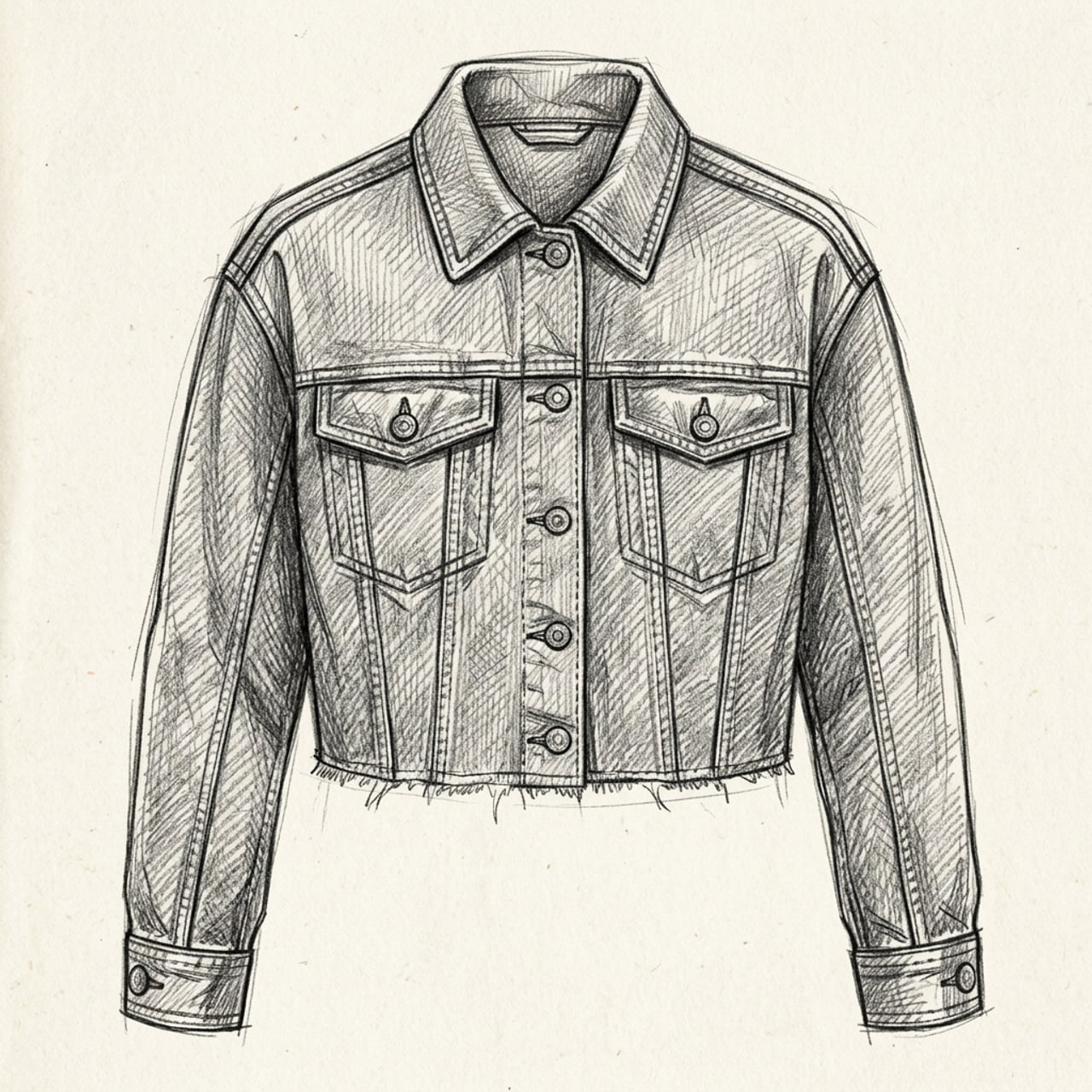
Upload a sketch or a photo and see the garment as if it already exists, with the fabric, drape, and fit you envisioned.
Explore Fashion Studio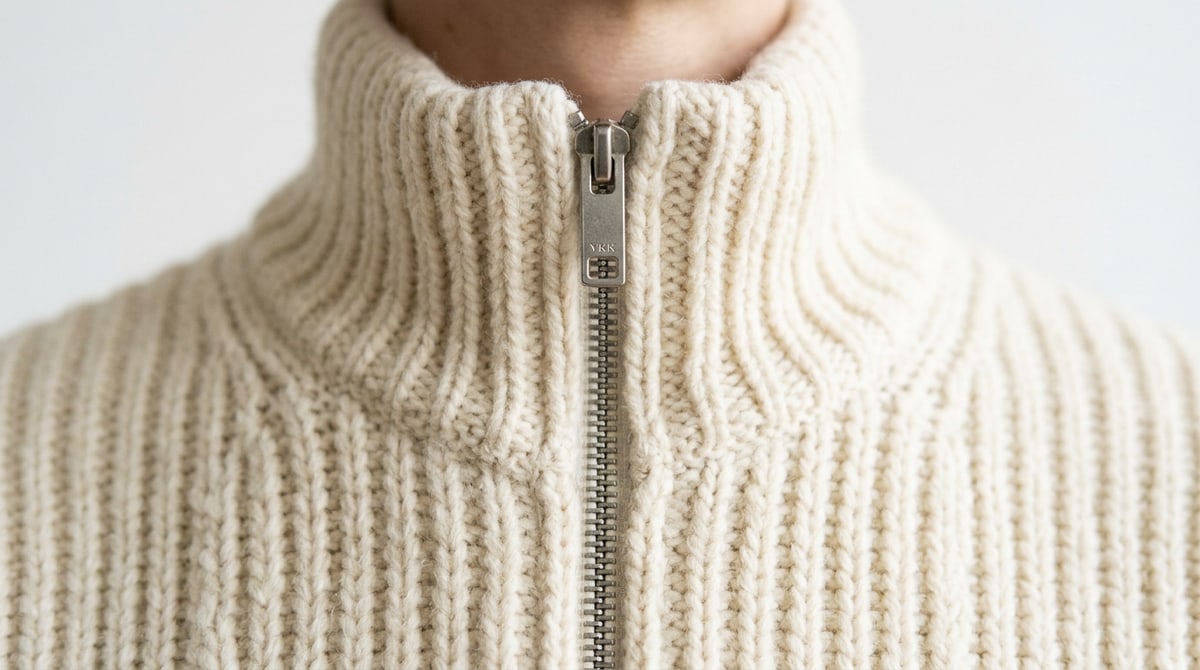
Precision where it counts
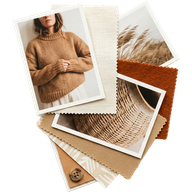
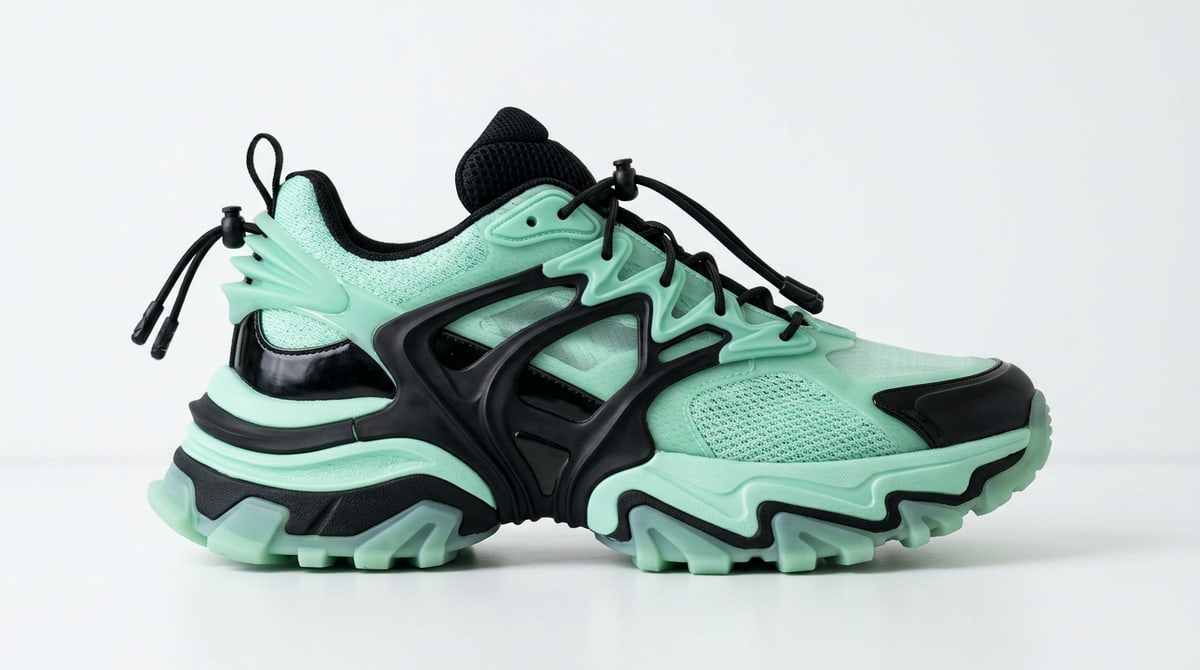
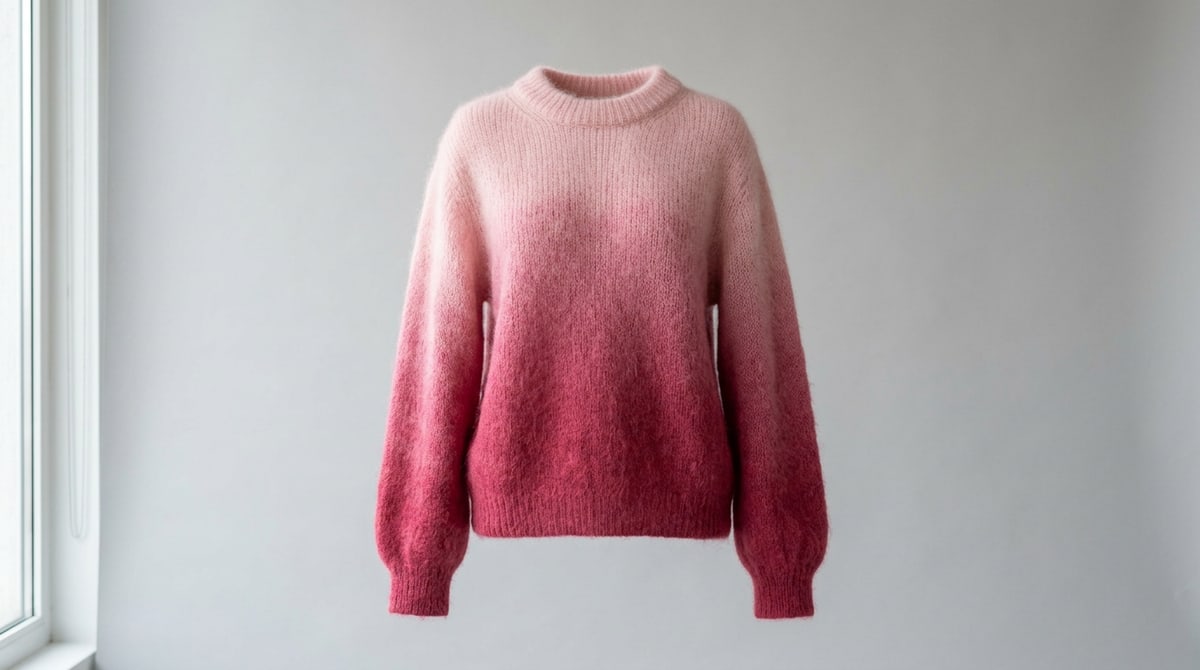
Recolor a panel, swap the material, or alter the piece. Every change holds the shape and the construction, and the canvas is there when you want to work a seam by hand.
Explore Fashion Studio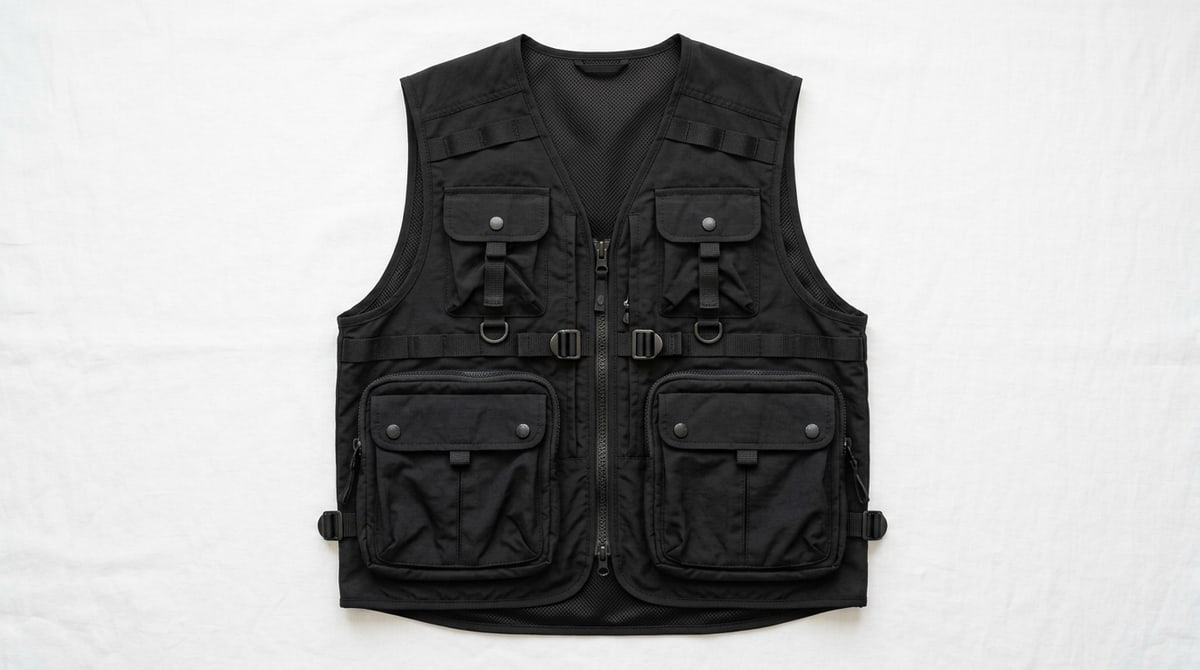
Bring your garment to life
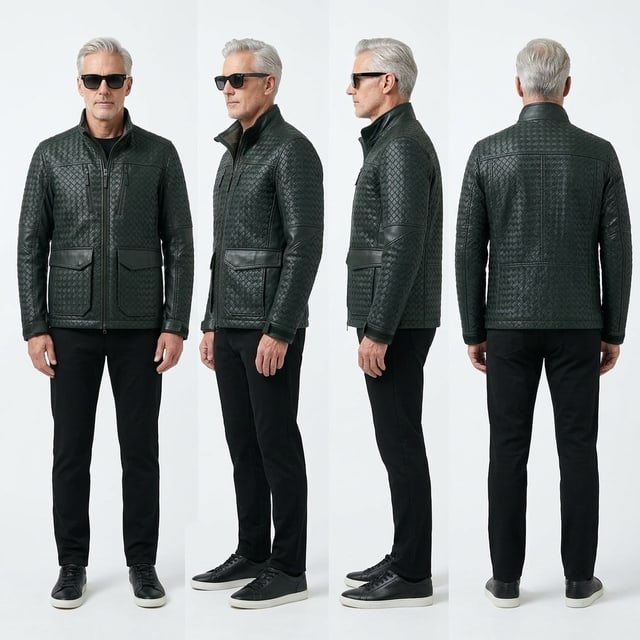
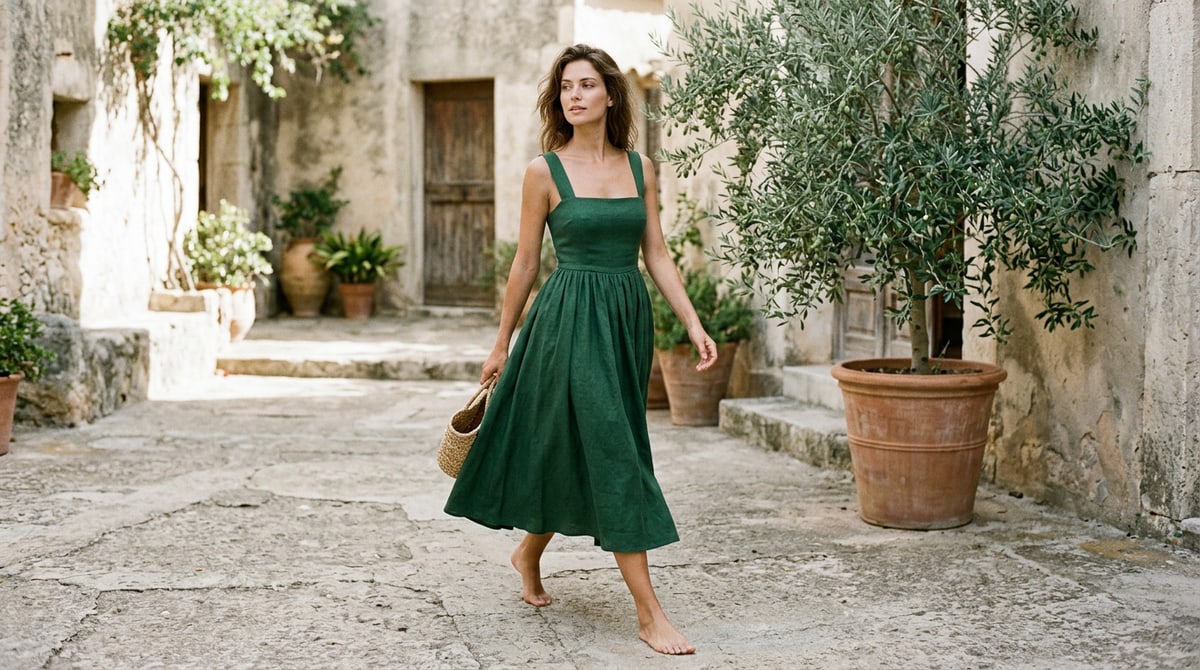
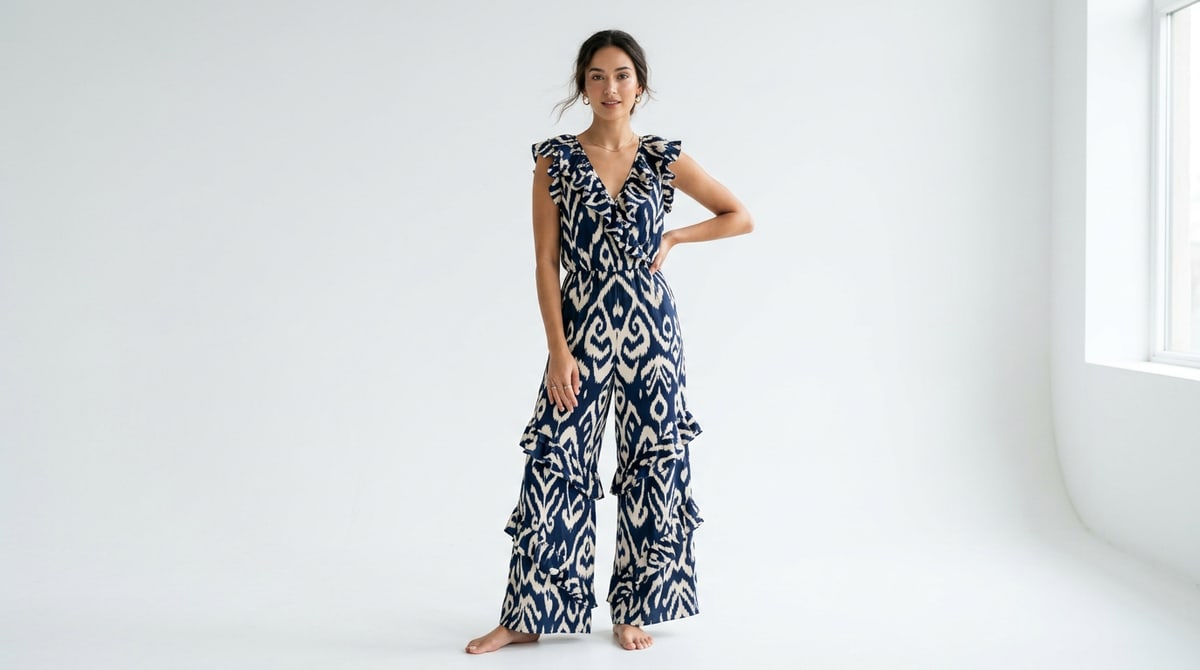
Choose a model and the garment, and shoot from as many angles as your campaign needs, without booking a studio day or waiting on a reshoot.
Explore Fashion Studio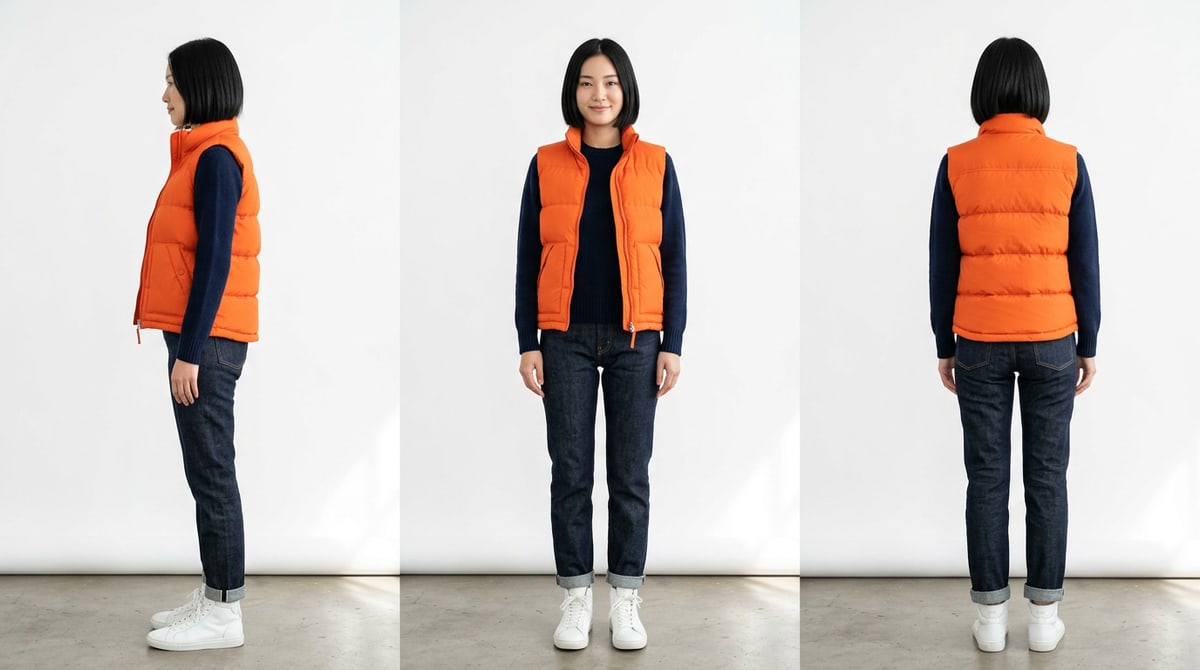
Every tool you need to make it real.
- Sketch to Render
A hand sketch becomes a photoreal garment, fabric and drape intact.
- Prompt
Start from a single text prompt and render your garment with no image needed.
- Concept
Blend reference images and a direction into new design concepts.
- Garment Extractor
Pull a garment out of any photo as a clean asset.
- Sketch to VectorSoon
Turn a sketch into a vector image.
- Garment to VectorSoon
Turn a garment image into a vector image.
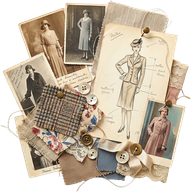
- Moodboard MakerSoon
Get a moodboard for your look based off references.
- Garment Recolor
Recolors a garment while keeping its shape, texture, and fit intact.
- Fabric Swap
Swaps a fabric and generates a new garment with chosen fabric.
- Ghostform
Turn a flatlay into a ghostform with a worn 3D shape.
- Flatlay
Turn a ghostform garment into a flatlay, details intact.
- Review Mode
Collect comments and feedback on selected looks.
- Print PatternSoon
Generate a pattern with an object and theme.
- Trim & PatchesSoon
Add hardware, patches and embellishments.
- Model Maker
Generates variations of a model based on age, diversity, and style.
- 360 Garment Video
Takes in a garment (on-model, flatlay, or ghostform) and produces a 3D rendering in video form.
- Garment Swap
Replace the on-model garment with a new one, holding all else constant.
- Photo Shoot
Creates editorial images from a model with your garment.
- Model Try-On
Generate production ready renderings of your garment on a model.
- Multi-Angle Shoot
Generates multiple camera angles of the same garment or individual from a single input.
- 360 Model Video
Rotate your model in a 360° video, outfit and background intact.
- Connect to ShopifySoon
Export to Shopify as product-ready assets.
- PDP ShotsSoon
Product-page shots for every SKU.
Frequently asked
questions
Everything else you might want to know before you talk to our team.
Try Fashion Studio nowFashion Studio is a purpose-built set of AI tools for apparel design and production, covering the whole path from a sketch to a finished campaign image. It sits on top of the Canopy canvas, so anything you make in the studio can be taken into the wider canvas when you want to go deeper, and anything you build on the canvas can feed back in.
Fashion Studio currently includes fifteen tools, grouped roughly by where they sit in the creative process. For concepting there is Prompt, Sketch to Render, Concept and Garment Extractor. For refining a garment there is Ghostform, Flatlay, Garment Recolor and Fabric Swap. For campaign work there is Model Maker, Model Try-On, Garment Swap, Photo Shoot, Multi-Angle Shoot, 360 Garment Video and 360 Model Video.
The tools are designed to hand off to each other, so a sketch becomes a render, the render gets recolored and re-fabricated, and the finished garment goes onto a model and into a campaign without leaving the studio. Vector export and tech packs are coming next.
The canvas is an open workspace where you wire up any workflow you can imagine, and Fashion Studio is a focused product built on that same engine with the vocabulary and sequence of fashion already baked in. You do not need to build anything or understand nodes to use the studio, because each tool already knows what a flat lay, a ghost form and a colorway are.
Everything you make in the studio stays connected to the canvas, so when a project needs exploration the studio cannot give you, you can open it up there and keep going.
Fashion Studio is built for anyone making apparel, from a solo founder running a Shopify brand to a design team inside a mid-market or luxury label. The tools are shaped around the jobs that repeat regardless of company size.
In practice that means apparel and textile designers who want to see an idea before committing to a sample, ecommerce and content teams who need on-model imagery for every colorway, and creative directors who want to pressure-test a season before a shoot is booked.
Yes. What you make in Fashion Studio is yours to use commercially, including on product pages, in lookbooks, in wholesale decks, in paid advertising and in print.
Fashion Studio runs on Canopy credits. Every new account starts with 20 free credits, and every tool shows its credit cost next to the Generate button before you run it — a quick recolor uses far fewer credits than a full campaign video. Failed generations are refunded automatically. For team plans and higher volumes, talk to us.